A calmer, more focused way to work anywhere.
Laptops and tools that help you stay productive, balanced and inspired in everyday life.
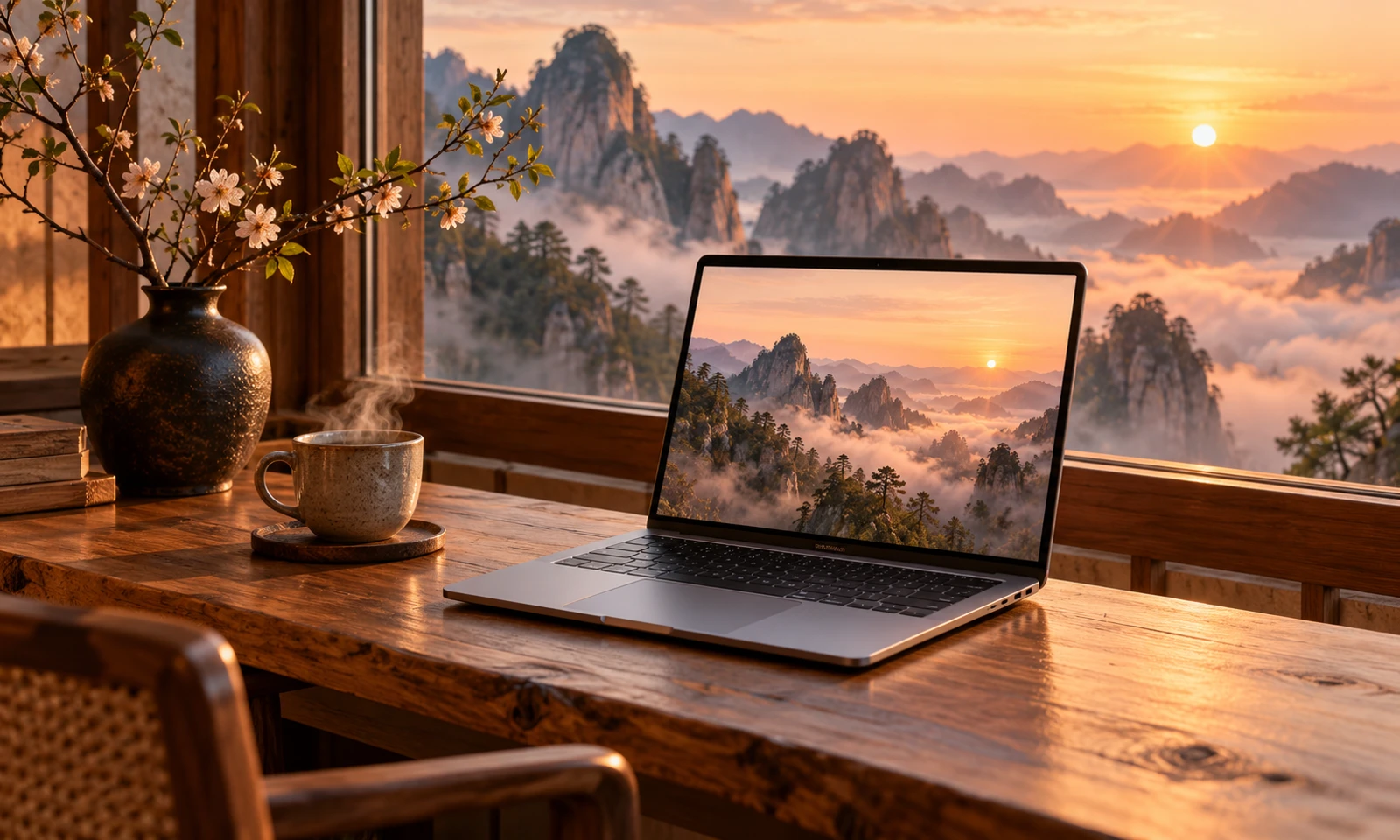
AI-generated editorial illustration. No specific product model is depicted.
A beautiful workspace starts with fewer distractions. Before choosing a laptop, think about the work you do, where you do it and what you want to carry.
Editorial buying guide · Written by Xiaoshenxian Studio · No hands-on testing or product rating is claimed.
Begin with your working day
List your essential applications and the files you work with. Check their published system requirements before comparing hardware. A browser-based routine and a large creative project can call for very different machines.

Give comfort a place on the shortlist
Screen reflections, keyboard feel, port placement and the weight of your bag can shape daily comfort. Where possible, try the keyboard and screen in person. Check the return terms before ordering.

Build a quieter desk
Keep the objects you use within easy reach. A separate keyboard or stand may make a fixed workspace more comfortable, but choose accessories around your posture and available space rather than appearance alone.
What works well
- A routine-first shortlist is easier to compare.
- Attention to weight and ports can prevent awkward compromises.
Trade-offs to consider
- A photograph cannot show keyboard feel or screen glare.
- Accessories add cost and take up space.
Who this guide suits
People choosing a laptop for a mixed routine of home, office and travel.
The takeaway
Choose the machine that supports your actual day. Confirm compatibility, return terms and the complete cost before buying.
Before buying: confirm the exact model, regional compatibility, current specifications, warranty and price directly with the manufacturer or retailer. This article contains no affiliate links.
Explore more stories →